Kubuntu 22.04 的软件源可以在 Discover 中的如下位置设置。
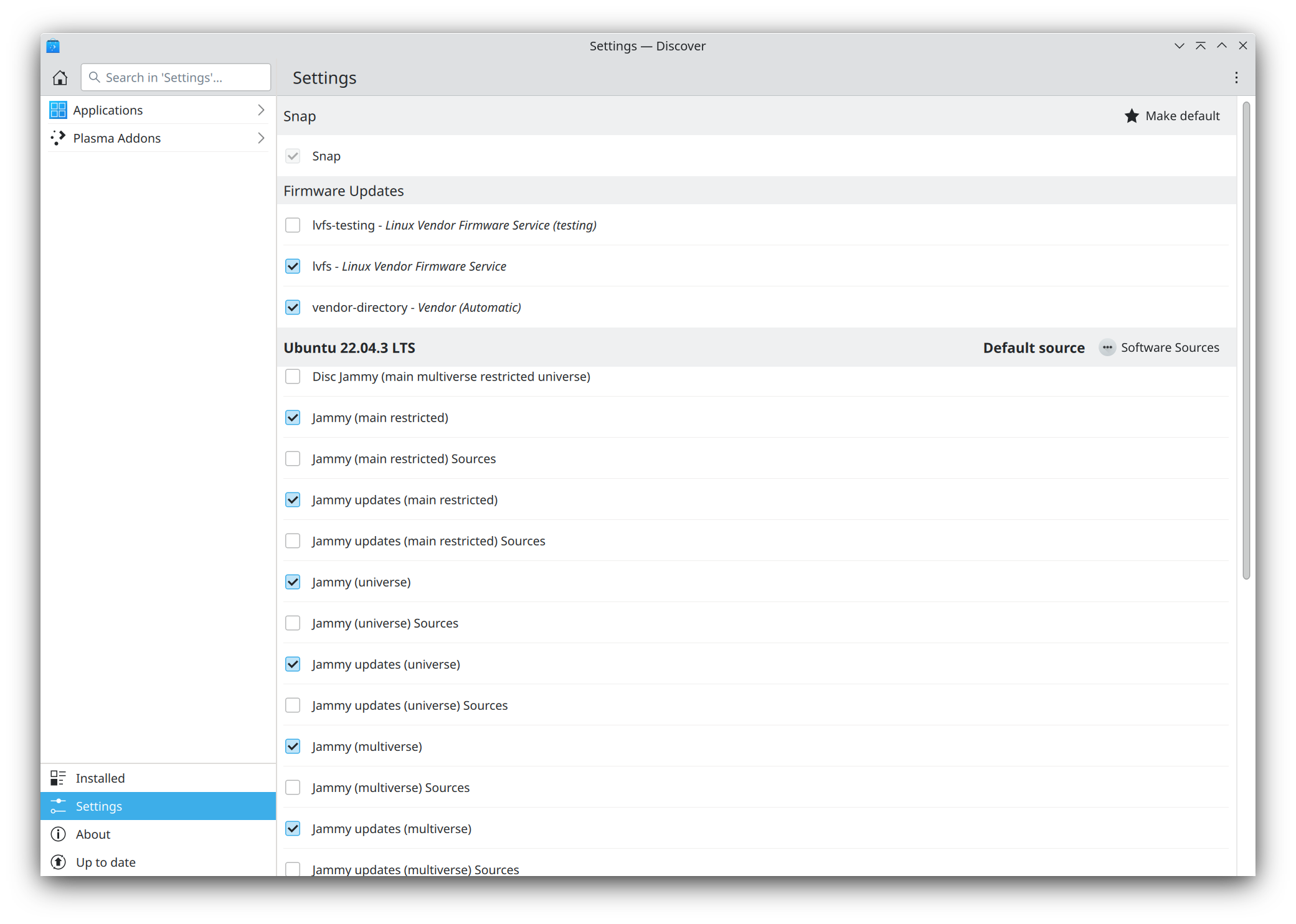
但是如果你的 Discover 不显示以上界面,可以通过如下方法来修复。
- 编辑如下文件
shell

   vi /usr/share/applications/software-properties-qt.desktop
- 将以下内容替换到源文件
text

   [Desktop Entry]

   Name=Software Sources

   GenericName=Software Sources

   Comment=Configure the sources for installable software and updates

   Exec=pkexec env DISPLAY=$DISPLAY XAUTHORITY=$XAUTHORITY software-properties-qt

   Icon=applications-other

   NoDisplay=false

   Terminal=false

   X-MultipleArgs=false

   Type=Application

   Categories=System;Settings;

   MimeType=text/x-apt-sources-list;

   X-KDE-SubstituteUID=false

   X-Ubuntu-Gettext-Domain=software-properties
如此,在 Discover可以显示软件源的界面,在菜单中也可以搜索到在其它发行版中常见的 软件源 菜单项。