Tauri claims itself as an un-opinionated, agnostic desktop application framework that does not depend on a specific front-end framework.
Vue is very popular among developers for its simplicity and ease of use.
Vue Devtools is a small tool that displays the details of a vue program in the browser console.
Today we combine them and demonstrate how to configure Vue Devtools in a new tauri project.
Prerequisites
Creating a tauri project, remember to choose vue as the front end framework.
。
cargo install create-tauri-app
cargo create-tauri-app --rc
or
pnpm create tauri-app --rc
https://v2.tauri.app/start/create-project/
Install Vue Devtools
windows
$env:ELECTRON_CUSTOM_DIR=""; npm install -g @vue/devtools
linux or macos
export ELECTRON_CUSTOM_DIR=""
npm install -g @vue/devtools
Use Vue Devtools
Start Vue Devtools
vue-devtools
or add it to package.json:
  "scripts": {
    ...
    "vue:dev-tools": "vue-devtools",
    ...
  }
Introduce Vue Devtools in your index.html
<!doctype html>
<html lang="en">
  <head>
    <meta charset="UTF-8" />
    <link rel="icon" type="image/svg+xml" href="/vite.svg" />
    <meta name="viewport" content="width=device-width, initial-scale=1.0" />
    <title>Tauri + Vue + Typescript App</title>
  </head>

  <body>
    <div id="app"></div>
    <script type="module" src="/src/main.ts"></script>
    <script src="http://localhost:8098"></script> <!-- add this line -->
  </body>
</html>
Check
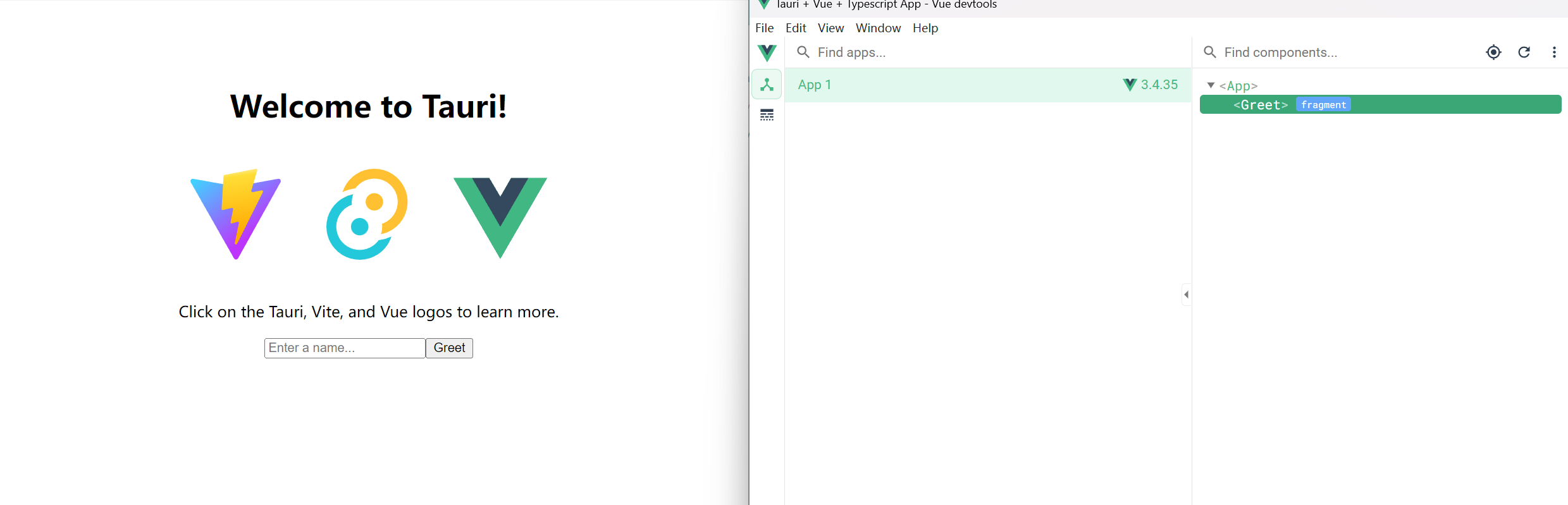
At this point, you might be able to use vue-devtools in tauri.