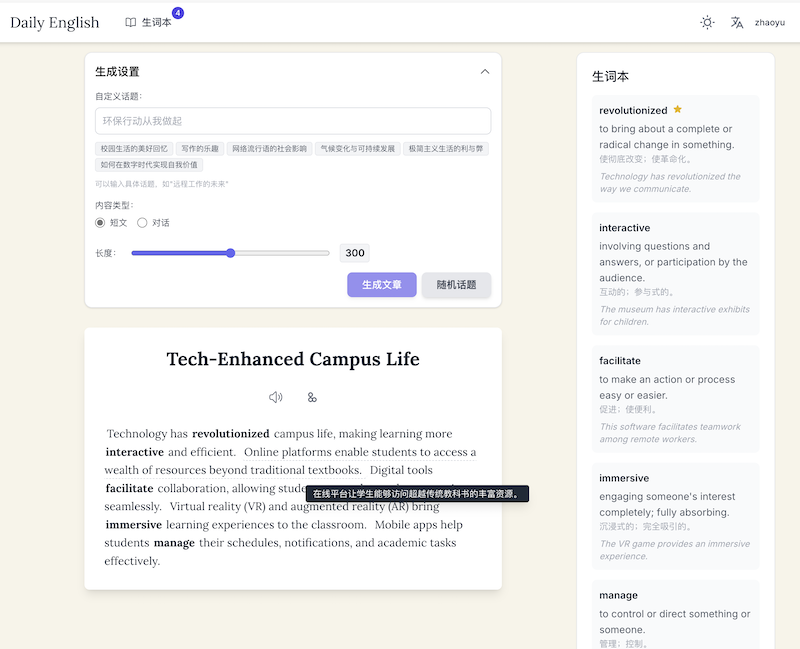
I am a full-stack engineer with a backend focus. Recently, I used an AI editor to build a simple daily English recitation website.
Since I used TTS services, I needed to limit user frequency, which led to a simple user module.
Because the site is so simple, I chose a free serverless stack: nextjs + next-auth + supabase + vercel.
99% of the code was generated using Cursor or Windsurf.
Everything went smoothly at first. It worked perfectly on my local machine. But after deployment, when I sent the site to a friend, she couldn’t log in. After investigation, I found that the site required a VPN to log in.
Digging deeper, I realized that the AI-generated code had the frontend (browser) interact directly with supabase for login.
Based on my previous experience, I assumed the user would send a login request to our deployed nextjs server, and the server would interact with supabase.
So, the solution is:
Let the CredentialsProvider in next-auth call a server API, and this API then requests supabase.
The idea is simple, but the implementation was a nightmare. I wasn’t familiar with supabase, so I let AI handle it, but it took two days of back-and-forth to get it right. Here, I document the process.
You must provide some config at build time
The following two variables must be provided at frontend build time, and must be set correctly. For backend developers, this is very counterintuitive. But this is the purpose of NEXT_PUBLIC variables. SUPABASE provides both ANON and SERVICE ROLE keys. The ANON key is for frontend use and is safe to expose, as long as you set up SUPABASE permissions properly.
NEXT_PUBLIC_SUPABASE_URL=
NEXT_PUBLIC_SUPABASE_ANON_KEY=
You can put these in .env.build, see https://github.com/travisbikkle/daily_english/blob/main/.env.build
If you don’t, you’ll encounter:
[cause]: [Error: getaddrinfo ENOTFOUND dummy] { errno: -3008, code: ‘ENOTFOUND’, syscall: ‘getaddrinfo’, hostname: ‘dummy’ }How to prevent frontend from directly interacting with supabase
https://github.com/travisbikkle/daily_english/blob/main/src/app/api/auth/credentials/route.ts